Customizing my Xteink firmware and wallpaper
I recently got an Xteink and it is a really cute little e-reader device! I thought I’d try hacking around on it, and it’s been fun to tweak.
Custom firmware
The most popular custom firmware for The Xteink is called CrossPoint Reader, which is fully open source and really great. Their website has ways to customize your fonts, load books over WiFi, flash their firmware from the browser (so cool), and also flash whatever custom firmware you want!
I’m currently sporting just the good ol’ vanilla CrossPoint, but I did experiment a bit with making my own. I got like… 40% of the way into turning it into a Connect Four/Four-in-a-Row game, which was fun!
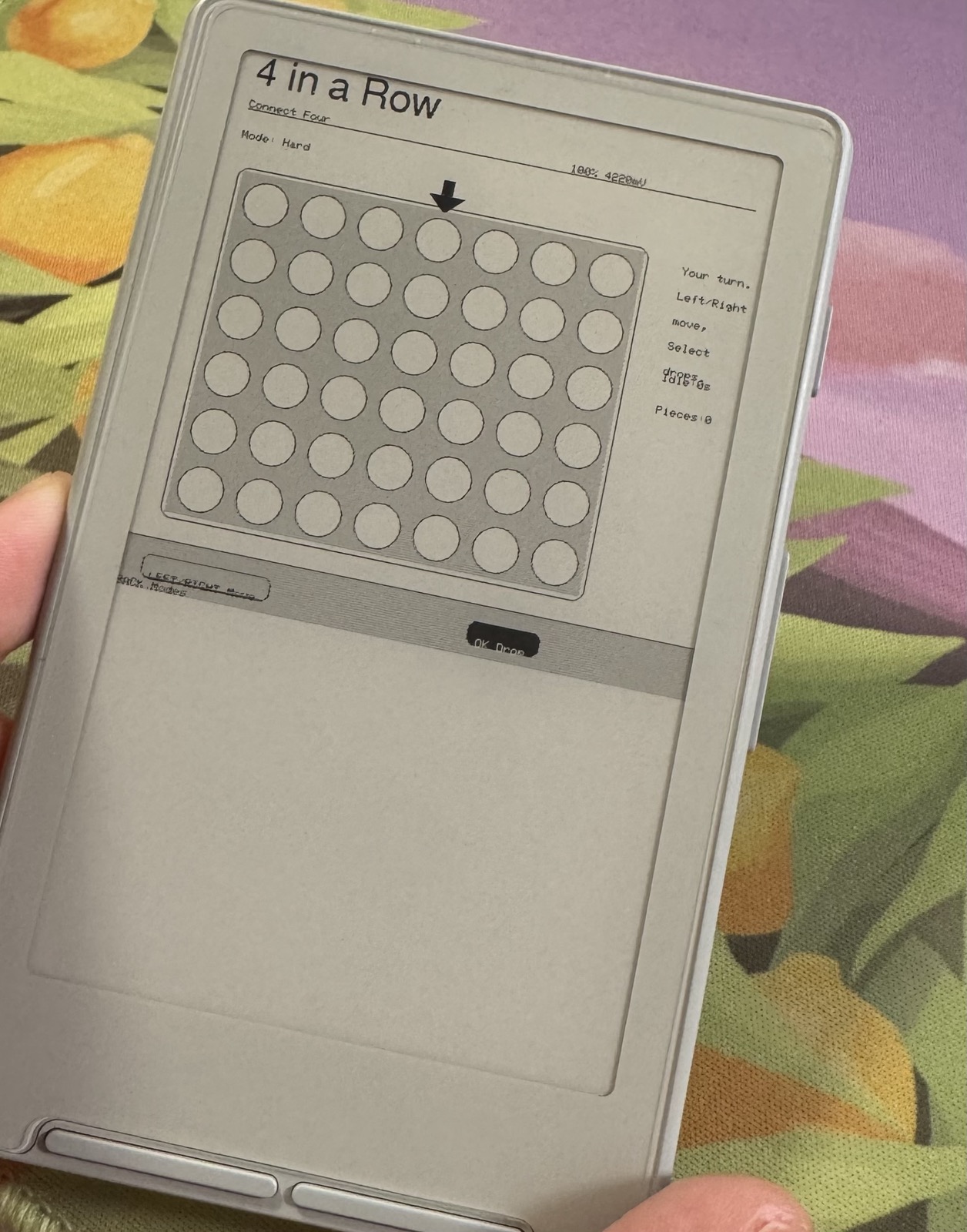
I loathe writing C++ so I did have AI do a lot of the heavy lifting here, full disclosure. It’s got a lot of the basics done, but needs some love that I don’t have the patience to offer. If you want to mess with it though, go to town! You can use the CrossPoint website to load the firmware to test it on your device, and I would love any and all help if you’ve got it.
Custom wallpapers
For wallpapers, it’s super simple to use them! If you save an image called sleep.bmp to the included SD card, blammo, that’s all you need.
If you want multiple images, make a folder in that SD card at the root and name it sleep. Then, add .bmp images to your heart’s content to make them into wallpapers!
This is a tool for converting your existing images on your computer to the correct format, and here is a directory of downloadable wallpapers!
Something else??
Nah, nothing else. I have been loading up both books and also go puzzle sets, and have had a blast playing with this little device. I love tools where you can own your experience, and it’s been really freeing to get creative with it.